Record who actually attended
Attendance counts people admitted rather than scans, because one check-in can admit a whole party.
Steps
- 1
Scan the pass
Scan the attendee’s QR in the check-in app. If the registration covers guests, the screen shows the party size and a counter.
- 2
Confirm or reduce the number
It defaults to the full party, so when everyone has come it is one tap. Tap minus when someone did not turn up.
- 3
Read the real figure
The event overview shows Attended as people, with the number of check-ins underneath. Those two numbers differ whenever guests are involved, and the first is the one to report.
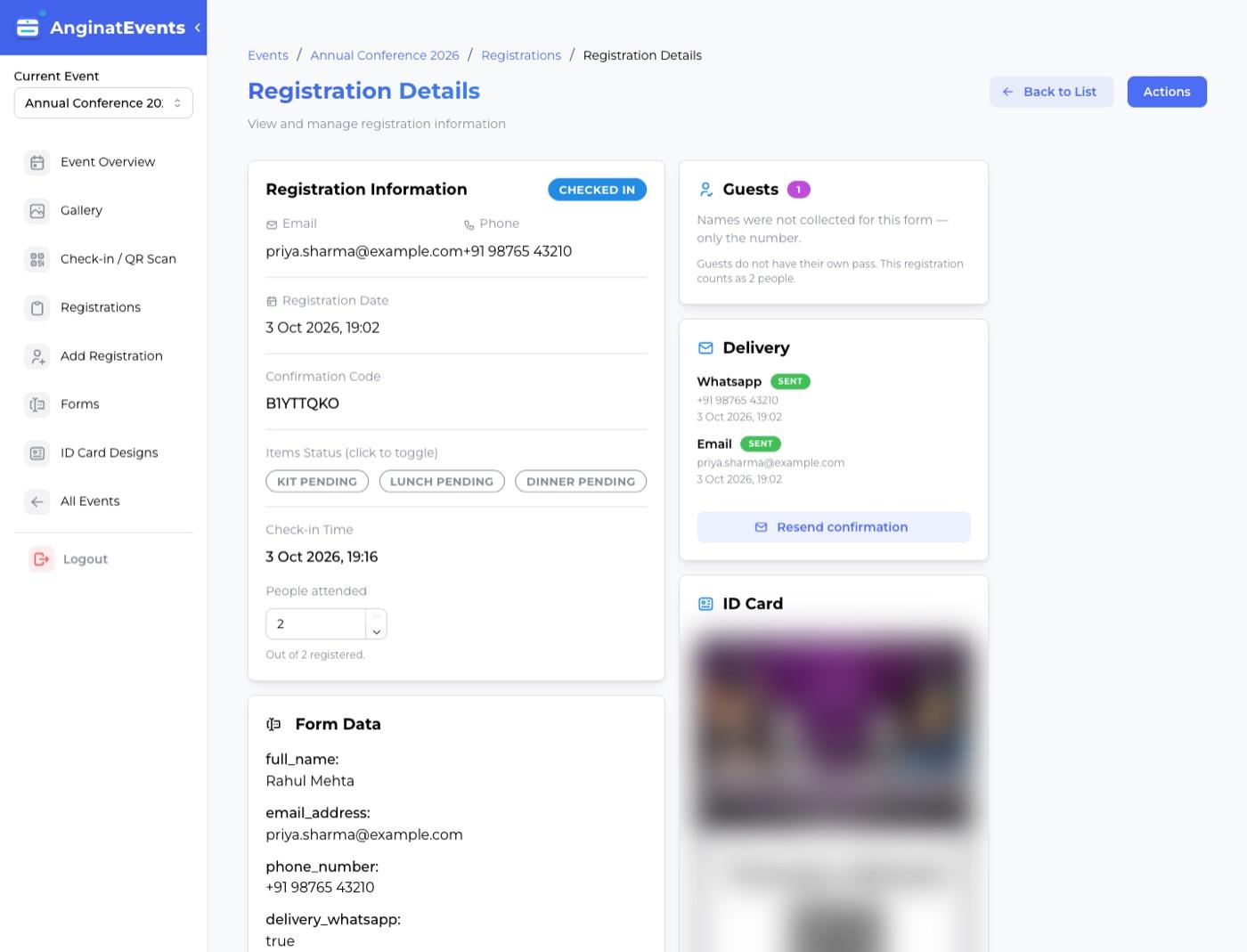
A number can be corrected afterwards on the registration, under People attended.
Staff can only record fewer people than registered, never more.
Questions
Why is attendance different from check-ins?
A registration can cover guests, so one scan may admit two or three people. Counting scans undercounts the room, and audience size is what an event is judged on.
What if a guest arrives separately, later?
Scan the registrant’s pass again and raise the number. The pass is not consumed by the first scan.
Can I correct an attendance figure after the event?
Yes. Open the registration and change People attended. The event totals update with it.