Check in when the venue wifi fails
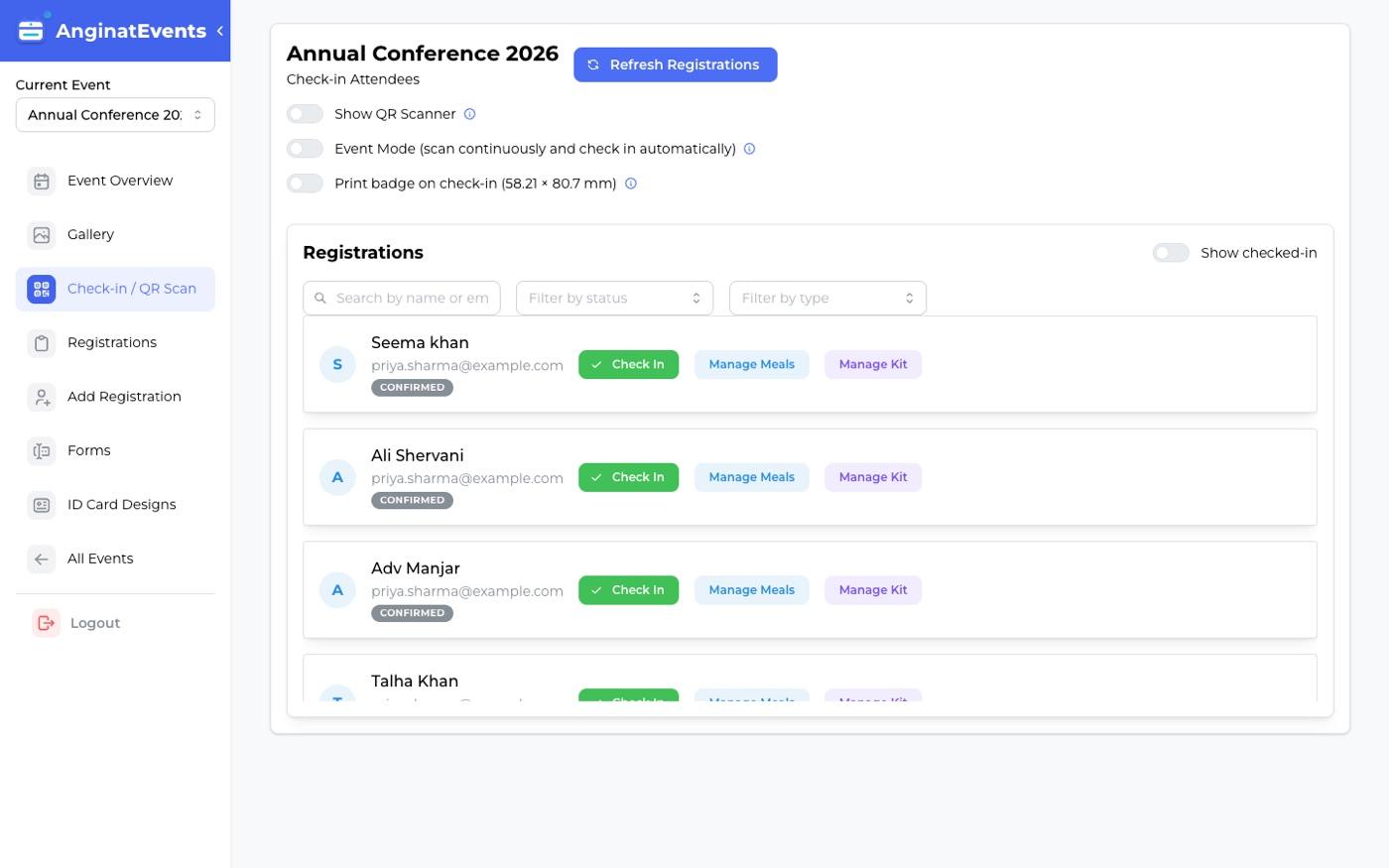
The check-in app holds registrations on the device, so scanning continues through an outage and syncs when the connection returns.
Steps
- 1
Sync before doors open
Open the event in the app and run a sync while you still have a good connection. This pulls the full registration list onto the device.
- 2
Keep scanning
If the wifi drops, carry on. Lookups come from the copy on the device rather than the network.
- 3
Let it catch up
When the connection returns, queued check-ins and kit marks are sent automatically. Nothing needs re-entering.
Sync again if you add registrations from the dashboard during the event, so the devices know about them.
Venue wifi at the entrance is unreliable often enough that we treat this as the normal case rather than an edge case.
Questions
Does check-in work with no internet at all?
Yes, provided the device synced beforehand. The registration list is stored on the device and check-ins are queued until a connection returns.
What happens if two devices check in the same person?
The first scan records the check-in; the second shows that the attendee is already checked in rather than counting them twice.
Do I need a special device?
No. Any reasonably recent Android phone works. Sunmi devices additionally print a badge on the spot.