Check whether someone received their pass
Every send is recorded against the attendee with its outcome, so you can see what reached them and resend if it did not.
Steps
- 1
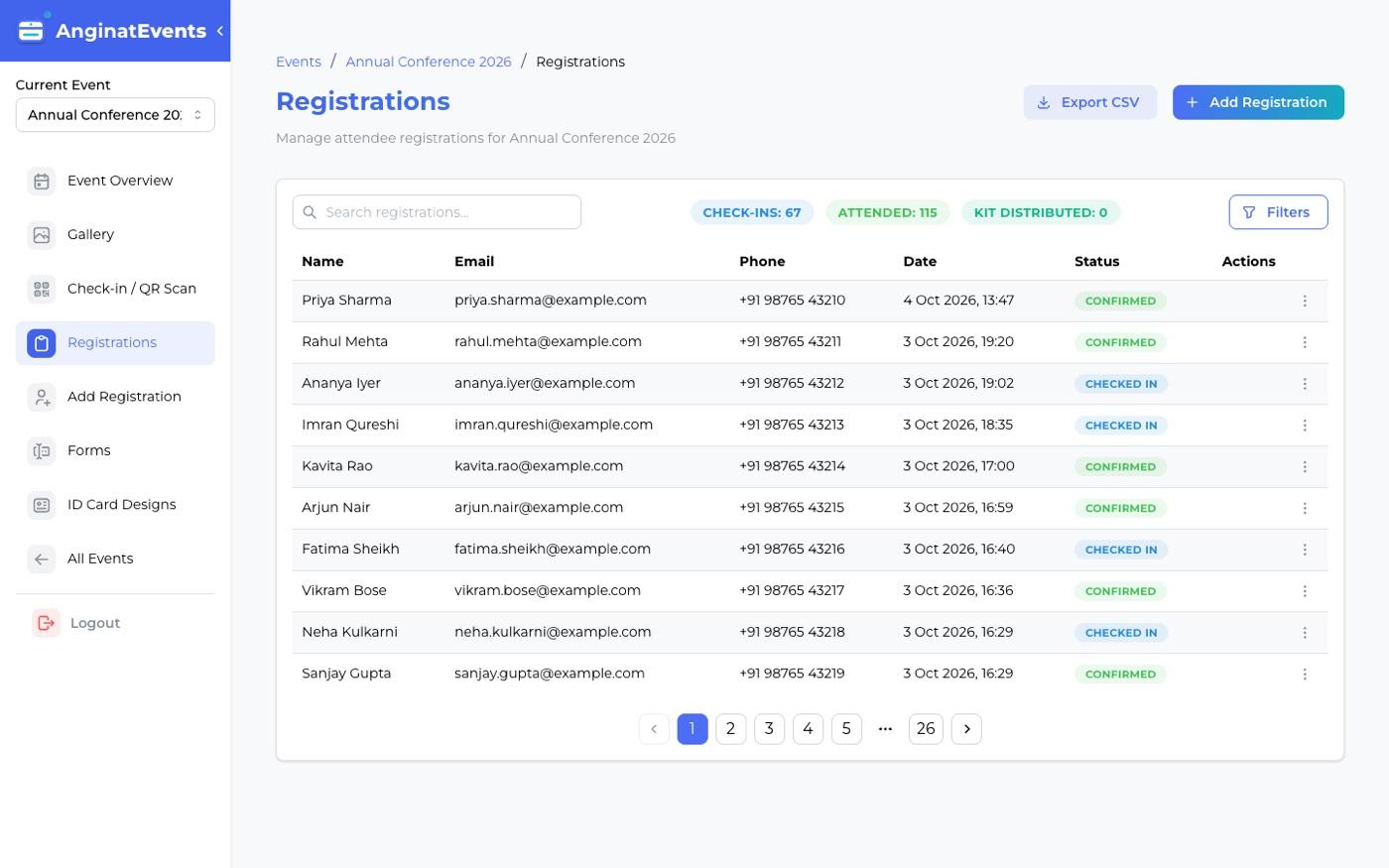
Open the registration
Find the attendee in the registration list and open their record.
- 2
Read the Delivery panel
Email and WhatsApp are listed separately, each with the address or number used, the time, and whether it was sent.
- 3
Fix and resend
If a send failed, the reason is stated in plain language. Correct the address or number, then use Resend confirmation.
Sending happens on our server rather than in the attendee’s browser, so a failure is recorded rather than lost.
Worth sweeping the list a few days before the event, while there is still time to reach anyone whose pass did not arrive.
Questions
Can I see delivery status for everyone at once?
Yes. The registration list shows delivery state per attendee, so you can spot anything that did not land without opening each record.
What are the common reasons a pass fails?
A mistyped email address, a mailbox that is full, a phone number that is not on WhatsApp, or an attendee who did not opt in to WhatsApp at all.
Does resending create a new QR code?
No. The same pass is sent again, so an earlier copy still works at the door.